SIMBA 26.09 Release Notes
Welcome to SIMBA 26.09!
SIMBA 26.09 is a refinement-focused release that brings a wide range of practical improvements across the product. From models and solvers to embedded Python, documentation, co-simulation and the desktop experience, this update makes everyday modeling, simulation and analysis workflows smoother, more reliable and more efficient.
New features and model improvements
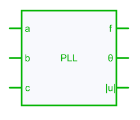
- New three-phase PLL: a new PLL model is available for three-phase synchronization and control applications. It supports two operating modes—SRF and DDSRF—and can automatically calculate controller gains. (see documentation)
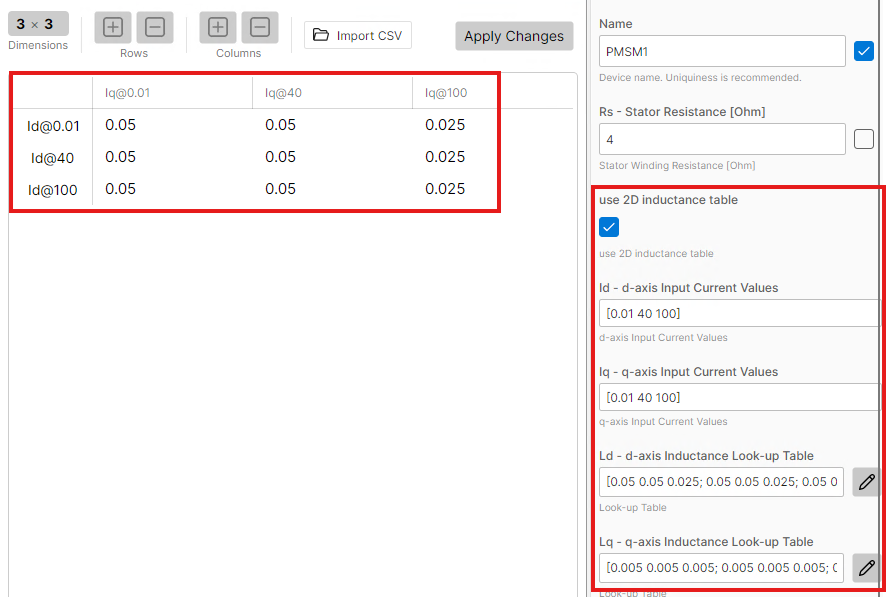
- 2D Ld/Lq machine modeling: 2D Ld/Lq data is now supported for PMSM, BLDC and SynRM machine models, enabling a more accurate representation of magnetic saturation and cross-coupling effects.
-
New Edge Detector: a new discrete model detects rising and falling signal edges, with configurable edge selection. (see documentation)
-
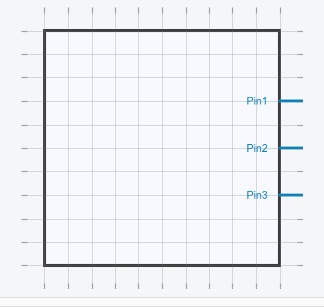
Background grid in symbols editor: a grid is now displayed in the symbol editor, making symbol creation and editing more precise.
-
Improved Product block: the Product block has been enhanced for a smoother and more flexible modeling workflow.
-
Improved parameter matrices: parameter-matrix handling has been improved, making tabular data easier to define and edit.
-
Improved nonlinear inductor stability: simulations using nonlinear inductors now benefit from improved stability.
-
Thermal Data: The curve capture tool (Release Notes 26.06) is now accessible from the Thermal Data tables.
-
PID and Discrete PID: A new Saturation mode parameter lets you use internal or external saturation. When external saturation is selected, a pin is added to the block and its output remains unsaturated. In this mode, the external saturation input is read with a one-time-step delay.
Charts
- Chart improvements: new customization options make report preparation more flexible. You can change axis and legend fonts, and have greater flexibility when displaying multiple plots.
Python API
- Improved Python API coverage and documentation: previously unavailable SIMBA features are now exposed through the Python API, and the API documentation has been comprehensively refreshed. (see the Python API documentation)
Documentation and user interface
-
Improved documentation navigation: navigation throughout the documentation has been refined to make relevant information easier to find.
-
Support access from SIMBA Desktop: a direct support entry point is now available from the Welcome tab.
-
Offline documentation: A new installer that includes local offline documentation is now available from simba.io. The offline documentation can be accessed from the Welcome tab when available.
SIMBA Assistant
- OpenAI GPT-5.6 Sol support: SIMBA Assistant now uses the GPT-5.6 Sol model by default.
Simulation and co-simulation reliability
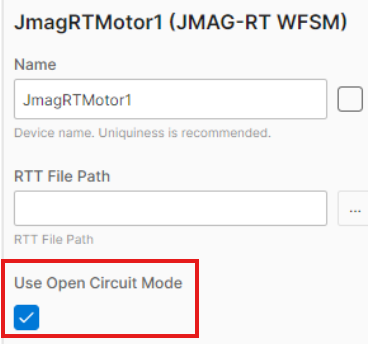
- Back-EMF access in JMAG-RT WFSM: an open-circuit mode has been added to the JMAG-RT WFSM block. When enabled in the block properties, it returns the stator-terminal back-EMF and no-load torque through the torque scope.
- Improved JMAG co-simulation stability: JMAG co-simulation workflows are now more robust, with new error and warning messages to help diagnose model issues.

Quality of life
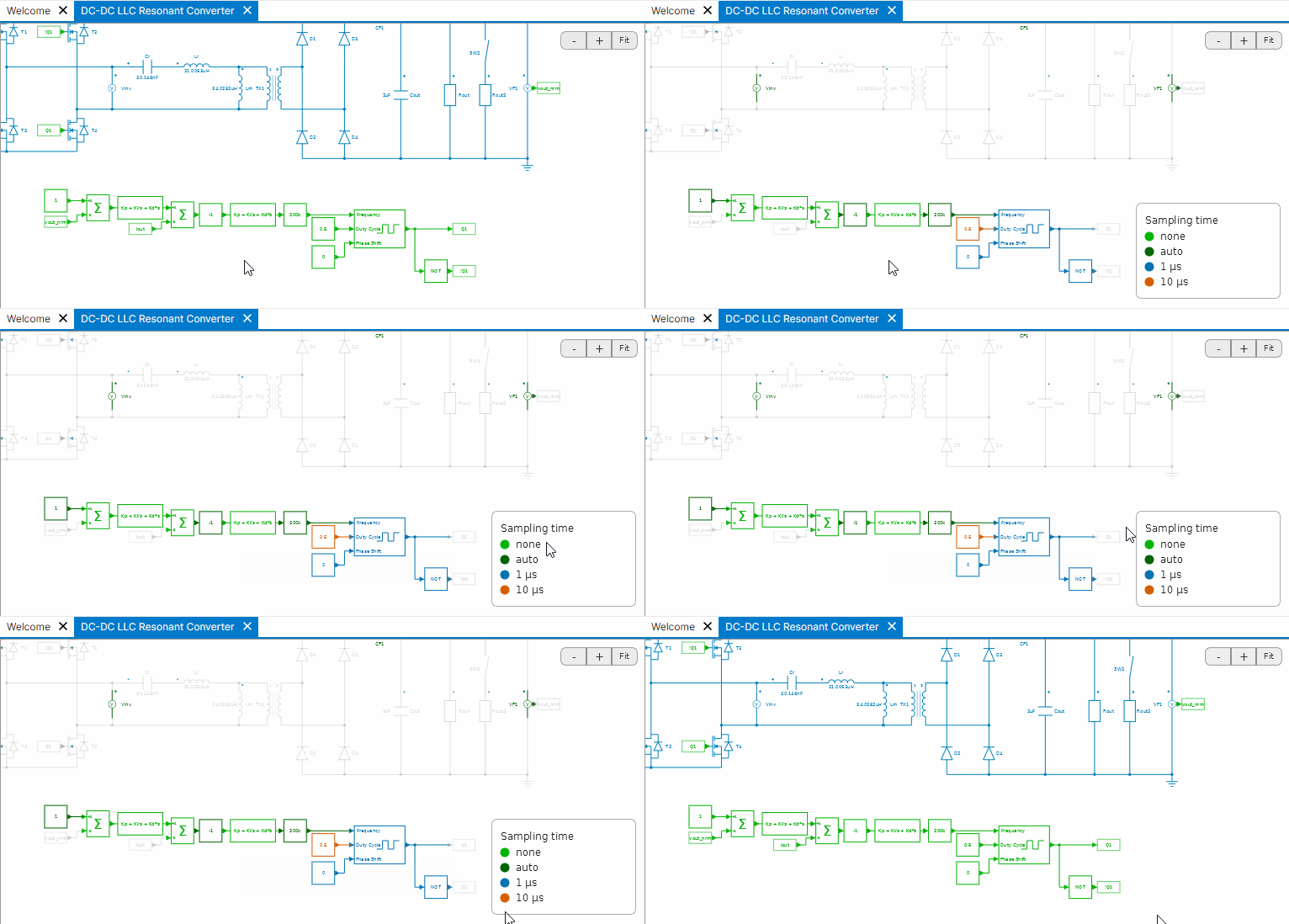
- Sampling-time highlighting: Holding
Tin the design view now highlights devices with a defined sampling time. Different colors represent different sampling-time values.
- Release-update badges: new colored badges in the top-right corner notify you when a stable release or public beta is available. Clicking a badge opens the corresponding update menu in SIMBA.


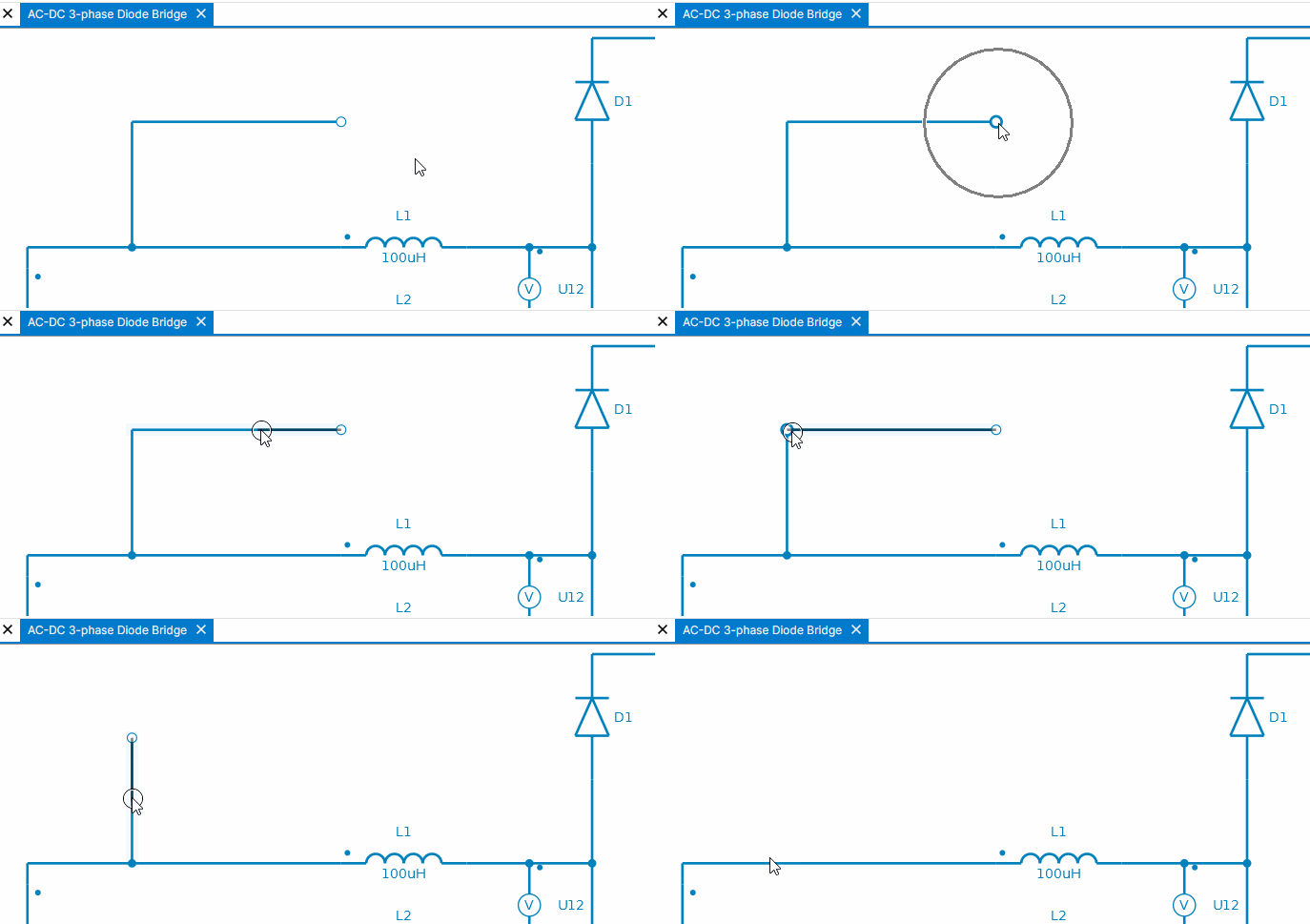
- Design drawing: A new option lets you shorten existing signals by covering them.
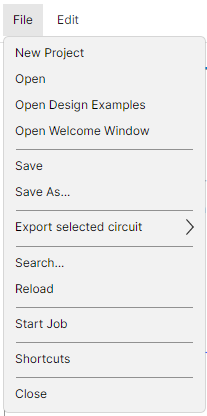
- Shortcuts menu: A new view lists all keyboard shortcuts available in SIMBA. Access it from File > Shortcuts.
Bug fixes
SIMBA 26.09 includes several fixes that improve the stability of charts and desktop workflows:
- Added full support for Ubuntu 22.04 LTS.
- Prevented a crash when saving a plot image with an invalid image format or file name.
- Prevented a crash when chart rendering receives X and Y data with different sizes.
- Native Windows file-picker failures are now handled without crashing the user interface.
- Prevented a crash that could occur when releasing the mouse over an interactive plot cursor.
- Prevented a crash when deactivating a license without administrator rights.
- Fixed a crash on Windows when SIMBA is installed in a protected folder and a web tab is open (Assistant, documentation).
SIMBA 26.09 also includes various fixes in some devices and modes, especially in:
- PWM SVM mode: Fixed a bug in the symmetric-component calculation to improve behavior.
- Dual-Stage Electrothermal simulation: Fixed a bug that could create large loss peaks when a switch is triggered after initialization.
Thank you for using SIMBA. We hope these improvements make SIMBA 26.09 a more dependable and enjoyable tool for building, simulating and analyzing your power-electronics systems. As always, your feedback helps us shape the next release.